
 EN
EN



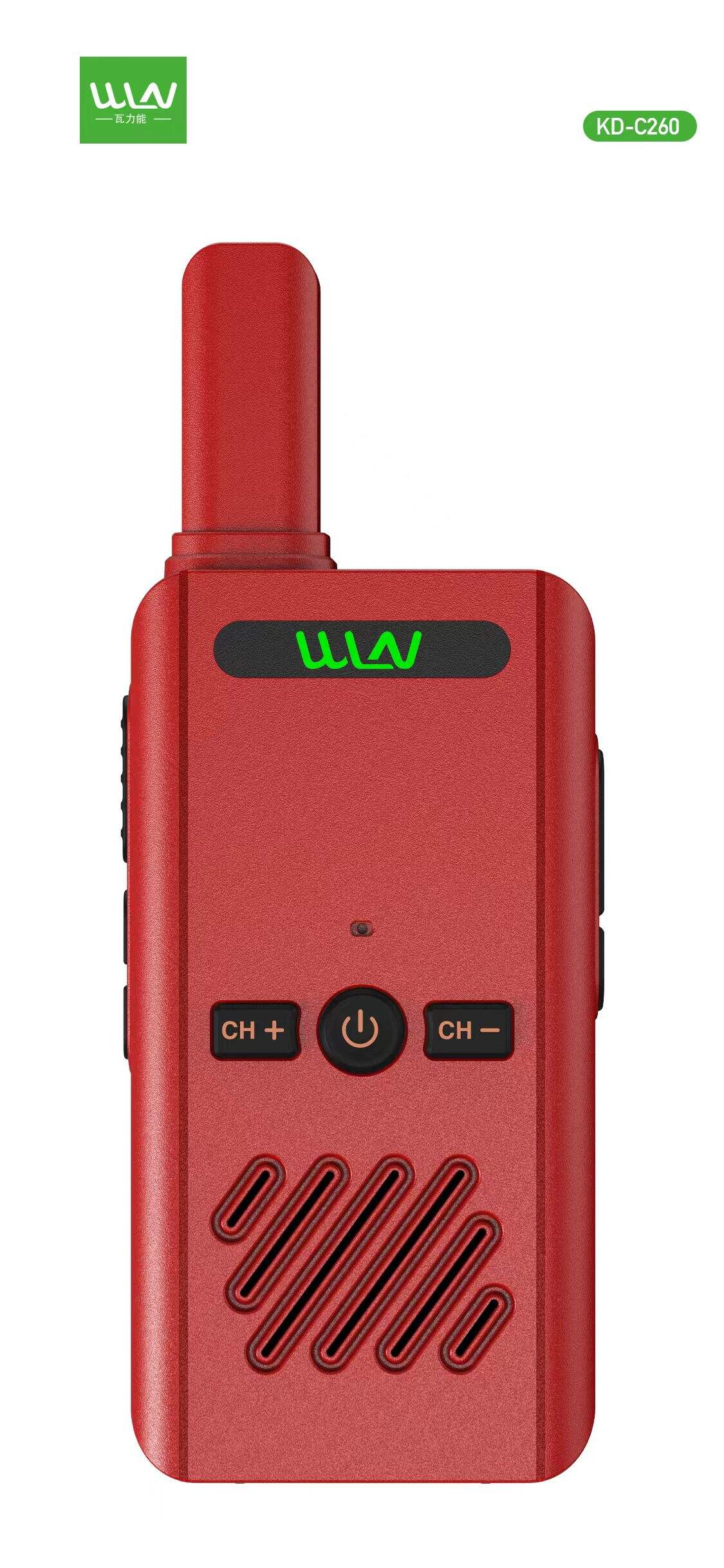
Diagnosing and Fixing Poor Range and Reception in Walkie Talkies
How terrain, buildings, and weather degrade walkie talkies signal performance
Walkie talkies lose signal quality mainly because of three environmental problems. Hills and valleys create dead spots where radio waves just can't reach through. In cities packed with buildings, signals get all messed up bouncing around between concrete and steel structures. This bouncing causes reception issues that nobody wants. Metal and brick walls are particularly bad news for signals too. Studies on radio frequency propagation show these materials can soak up nearly all of a signal's strength after passing through just one wall. Weather doesn't help matters either. When it rains hard, signals weaken at about 0.3 decibels per kilometer traveled. Thunderstorms bring their own headaches with electromagnetic noise that interferes with clear communication. All told, these factors together can cut down how far walkie talkies work effectively by anywhere from half to almost three quarters compared to when there's nothing blocking the path between units. To keep things working properly, it makes sense to set them up where there's nothing in the way, and definitely steer clear of places crowded with buildings or thick woods.
Real-world range vs. manufacturer claims: FCC field test insights (2023)
The FCC recently did some field tests that showed there's a big gap between what companies claim their walkie talkies can do and how they actually perform. Manufacturers love talking about those 35 mile ranges when everything is perfect, but in real cities people only got about 1.2 miles on average—that's way down from what's promised. Out in the suburbs things were a bit better at around 3 miles, which is still half of what most ads say. The problem is that all those specs come from ideal situations where there's nothing blocking signals and everything is flat as a pancake. Reality tells another story though. Most places had buildings, trees, hills getting in the way, causing signal problems worse than 20 decibels in nearly 8 out of 10 spots tested. Bottom line? Anyone planning to rely on these devices for important jobs should definitely test them first in whatever environment they'll actually be used.
Eliminating Transmission Failures and Signal Interference with Walkie Talkies
Step-by-step channel and squelch audit for reliable walkie talkies transmission
Start looking through every channel possible when trying to find clear frequencies since industrial settings typically have way too much traffic on standard bands these days. The numbers show something like 60% congestion rate in many cases. When it comes to squelch settings, tweak them just right so they cut down on background noise but still pick up what matters. Most radios work best around level 3 to 5 usually. Audio problems happening now and then? Time to change channels fast and double check that everything switches over properly. Getting this right stops those annoying conversations between devices that happen all the time near other equipment. According to FCC reports, about 42 percent of failed transmissions actually come from this kind of interference problem.
Antenna optimization: OEM vs. aftermarket walkie talkies antennas (dB gain analysis)
Standard OEM antennas deliver 2.1–2.5 dB gain—sufficient for urban use within 1 mile. For challenging terrain, aftermarket antennas with up to 5.5 dB gain extend effective range by ~40%, though they require precise vertical alignment. Field tests show:
| Antenna Type | Avg. Gain (dB) | Range Extension | Terrain Compatibility |
|---|---|---|---|
| OEM | 2.3 | Baseline | Urban/Flat |
| Aftermarket | 5.1 | +40% | Rural/Mountainous |
Always extend antennas fully and avoid hand contact during transmission—signal loss from improper handling reaches 30% in high-humidity conditions. RF testing by leading manufacturers confirms antenna positioning contributes more to clarity than minor variations in power output.
Restoring Clear Audio on Walkie Talkies: Speaker, Mic, and Noise Control
Static and distorted audio: distinguishing environmental noise from internal walkie talkies faults
Distorted audio typically arises from two distinct sources: environmental interference or internal hardware failure. External noise—caused by atmospheric conditions, nearby electronics, or physical barriers like concrete walls—produces intermittent static that changes with location. Internal faults, however, yield consistent distortion regardless of surroundings and commonly stem from:
- Torn speaker surrounds causing vibration rattles
- Microphone element failure due to impact damage
- Corroded wiring connections (found in 60% of audio-related service cases)
When trying to figure out what's wrong, it helps to run tests in different settings around the house. If there's constant distortion even in quiet spots, this usually points to something wrong with the hardware itself. Try pressing lightly on the speaker cone - if it feels stiff or makes scraping noises, chances are good that the voice coil has taken some damage. Don't forget to check those microphone connections too. Look closely for any greenish buildup which indicates corrosion over time. Sometimes just stepping back from walls or other electronic devices can make a big difference in reducing background noise. But when all else fails and we're still hearing problems, it probably means one of the internal components needs replacing rather than simple adjustments.
Maximizing Uptime: Solving Walkie Talkies Power and Battery Degradation
Lithium-ion battery lifespan in walkie talkies: UL 2054 data on capacity loss after 300 cycles
Most walkie talkies today run on lithium-ion batteries, though they tend to lose power over time as anyone who's used them knows. According to those UL 2054 tests everyone talks about, after about 300 complete charge cycles these batteries hold just around 70 to 80 percent of what they originally could. That means folks have to recharge them more often than when new. For crews working long hours where reliable communication matters, this drop off in battery life can really become a problem in the field.
Three evidence-based maintenance strategies mitigate premature capacity loss:
- Avoid deep discharges; recharge when remaining power reaches 20–30%
- Store units in cool, dry environments (15°C/59°F is optimal)
- Replace batteries showing ≥30% runtime reduction versus baseline
For high-uptime operations, integrating battery management systems (BMS) enables proactive replacement scheduling—preventing field failures before they occur.
FAQ
What are the main factors that reduce walkie talkie range and signal quality?
The primary factors include environmental issues like terrains, such as hills and valleys, urban settings with numerous buildings, and adverse weather conditions, particularly rain and thunderstorms, which interfere with signals.
Why is there a difference between the real-world range and manufacturer claims of walkie talkies?
Manufacturers base their range claims on ideal conditions with no obstructions and flat terrain, whereas real-world environments introduce obstacles like buildings, trees, and varying landscapes that significantly reduce signal range.
How can walkie talkie users improve signal transmission and reduce interference?
Users can audit channels to find clearer frequencies, adjust squelch settings, and choose the right antennas. Ensuring proper antenna alignment and avoiding interference from industrial settings also contribute to enhanced transmission.
What causes static or distorted audio in walkie talkies, and how can it be diagnosed?
Static or distortion can arise from environmental noise or internal faults like damaged speakers, microphones, or wiring. Testing in varied settings and inspecting components for physical damage helps diagnose issues.
How can battery life be optimized in walkie talkies?
To optimize battery life, avoid deep discharges, maintain cool, dry storage conditions, and replace batteries showing significant capacity loss. Using a battery management system can also help schedule proactive replacements.
Table of Contents
- Diagnosing and Fixing Poor Range and Reception in Walkie Talkies
- Eliminating Transmission Failures and Signal Interference with Walkie Talkies
- Restoring Clear Audio on Walkie Talkies: Speaker, Mic, and Noise Control
- Maximizing Uptime: Solving Walkie Talkies Power and Battery Degradation
-
FAQ
- What are the main factors that reduce walkie talkie range and signal quality?
- Why is there a difference between the real-world range and manufacturer claims of walkie talkies?
- How can walkie talkie users improve signal transmission and reduce interference?
- What causes static or distorted audio in walkie talkies, and how can it be diagnosed?
- How can battery life be optimized in walkie talkies?

